Skip to content
Request access

3D walkthroughs of property from a phone video

Anyone who wants to look at a flat or an office floor should be able to walk it without needing an appointment for it. You film the rooms once with your phone, and out of that comes a walkable tour in which every distance is a distance in metres.

Request access
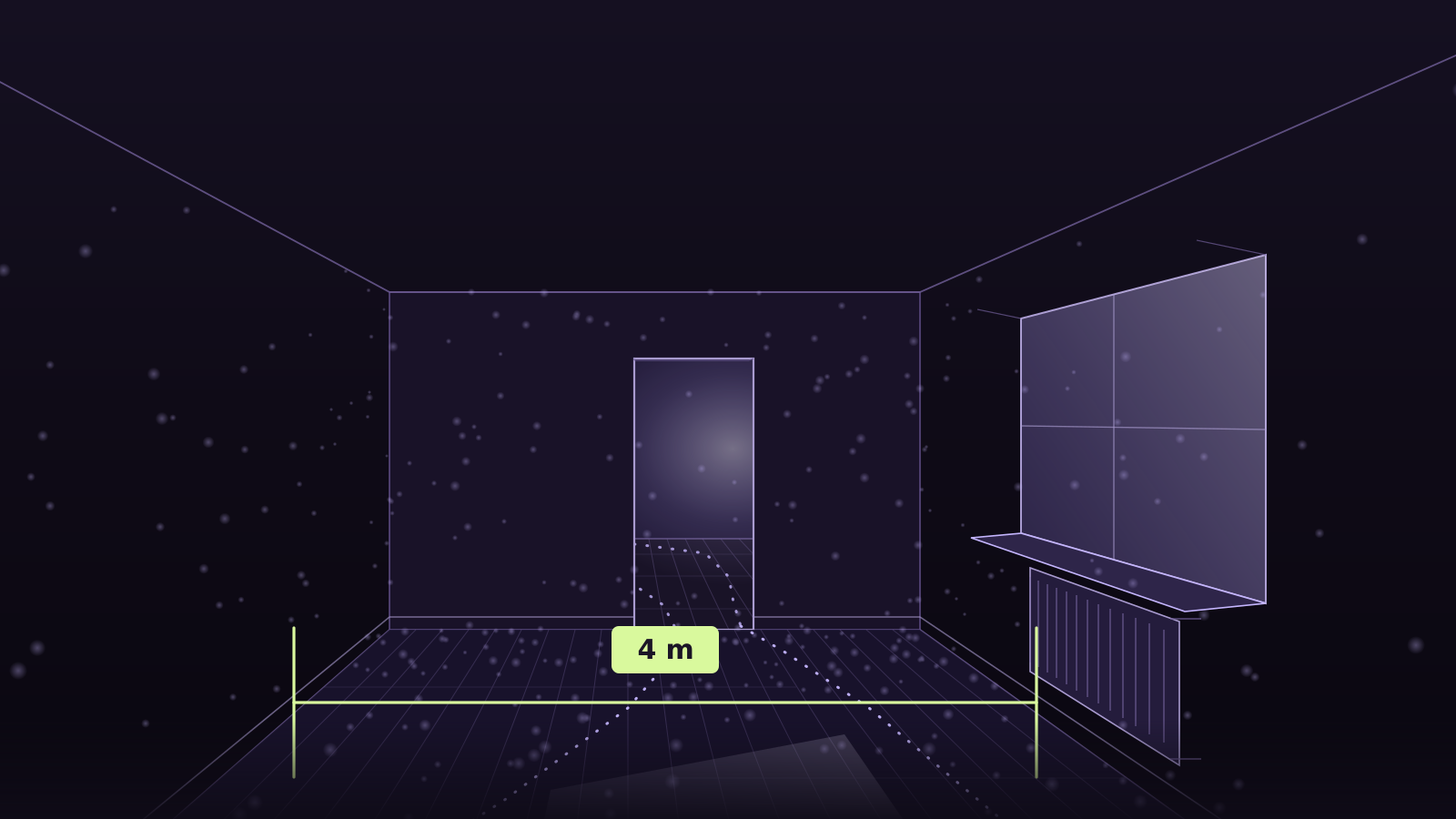
Drawing of an empty flat: the view goes from the front room through a doorway into the next one, in the side wall a window with a sill and a radiator under it, skirting board and floorboards at the bottom, the filmed walk as a dotted line through the doorway and back, and a dimension line across the width of the room reading 4 m.
A drawing, not a customer’s flat. The 4 m is the width of the drawn room. We will only show a real flat once its owners allow it — where people live, that is not a formality.

Three jobs out of letting and selling

Each of them saves exactly one thing: a trip somebody would otherwise make twice.

Show the space before anyone travels

One link, one click, and whoever is interested in the space is standing in it — no app, no account. What they see is the same rooms everyone else sees, not a selection of eight photos with the hallway missing. For you that means fewer viewings that are over after two minutes.

Supply dimensions without driving out again

Does the sofa fit along that wall, how high is the sill, how wide is the doorway for a wheelchair? Because the delivery is metric, that gets measured in the tour instead of estimated on the phone. Whoever only holds the share link may measure too; changing the scale is reserved for whoever owns the capture.

Record the condition before and after a tenancy

Handover, refurbishment, move-out: a walkable state is harder to argue with than a line in a schedule, because it shows the whole room and not the spot somebody photographed. Because you walk through once instead of filing forty separate shots, what is left at the end is a state and not a folder.
How it runs

Five steps, and at the third nothing is computed yet: the capture is checked before a GPU starts.

  1. Film

    Walk slowly through the room, with the 0.5× ultra-wide lens.

  2. Upload

    In the browser, in parts straight to storage; it resumes after a dropped connection.

  3. Check

    Frames and camera path are checked before a GPU computes.

  4. Compute

    Splat and collision mesh are built on a GPU; you see where it stands.

  5. Deliver

    Download it, share it by link, or fetch it through the API.

All five steps in detail

Filming inside a flat

Flats are tight, bright at the window and dark in the corners, and they are full of glass and mirrors. Three rules from the guide are the ones it fails or succeeds on here.

  1. 0.5× — ultra-wide

    In a bathroom or a hallway you cannot get three metres away from the wall. At 0.5× the room still fits in the frame and two consecutive frames overlap enough; at 1× you are filming wallpaper.

    Best is 0.5×: 1.47 px loop error measured, while the same walkthrough stayed unsolved at 1×. 1× works too — another recording solved at 18.7 px — but it is riskier: less overlap, so walk slower; in bare rooms and narrow corridors the path can break. Do not use tele.

  2. Lock exposure and focus, lights on

    A window is brighter than anything else in the room. If exposure follows along, the room goes dark the moment you look towards the window, and the reconstruction sees two different rooms. Lock exposure and focus in the darker part of the room.

    Set the AE/AF lock before you start — and do not film into the sun or a window.

  3. Pause briefly in doorways

    A flat is a chain of rooms and the doors are its links. Pause briefly in every doorway and show it from both sides, or the rooms will not hang together in the model. Mirrors and glass doors stay the hard parts: keep a frame or an edge in the shot.

    Show every passage twice — from both sides — and on white, featureless walls keep an edge in the frame.

All seven capture rules

What you get back

Not a link to a platform but files that fit into your own software. Each carries its scale inside it: one unit is one metre, and the floor is down.

  • splat.plyThe walkable splat
  • collision.glbThe collision mesh
  • meta.jsonScale and provenance1 unit = 1 m
  • package.zipAll of it in one file

What does not work today

360° spherical video
Not yet as a source; today, export a flat video with the “Linear” field of view.
A 1× lens instead of 0.5×
Works, but is riskier; 2× and 5× are refused.
White walls, glass and mirrors
Keep an edge in the shot; mirrors stay unreliable.
Merging sections into one model
Not built; one delivery in metres per section.
All limits in detail

Questions from letting and selling

Does the flat have to be empty?

No, empty is only easier. Furniture even gives the reconstruction something to recognise. What is awkward is anything that moves: a curtain in the draught, a door swinging shut, a pet following you around. Whatever moves during the walk ends up in the model as a smear.

Are people and personal belongings visible in the tour?

Everything you film is in the model. Put away or close whatever nobody should see, and film with no people in shot. Individual spots can be removed in the editor afterwards, but that is handwork — tidying up first is easier.

Does it work for an office or commercial space too?

Yes, and the rules are the same: you walk through instead of panning, and you split large floors into sections. What holds for a flat holds for a storey with thirty offices as well — you just film it in several walkthroughs.

Can I embed the tour in my listing?

Yes. Append “?embed=1” to the share link and the scene shows no header of ours, so inside your page it looks like your page.

A space people should be able to walk without an appointment?

Request access