Skip to content
DeutschRequest access

3D scans of construction sites: keeping the state

On a building site, something disappears behind plaster and dry lining every week. One phone walkthrough keeps the state of a single day as something you can walk — with dimensions, instead of a pile of photos in which nobody later finds where the conduit ran.

Request access
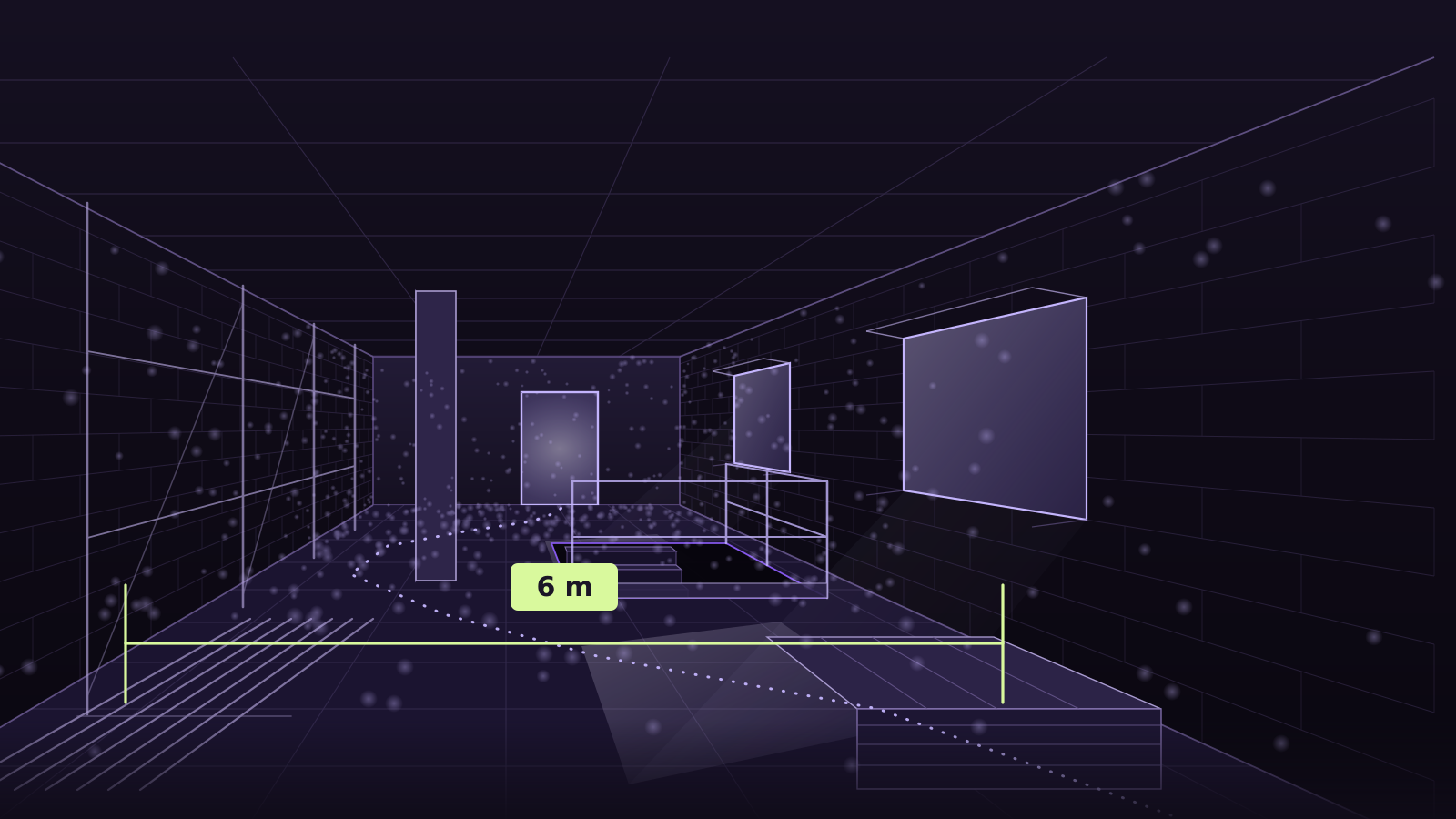
Drawing of a structural shell: unplastered walls on a concrete slab, two window openings with daylight falling in, a column, a floor opening with a guard rail, scaffolding tubes along the wall, the filmed walk as a dotted line across the slab and a dimension line across the clear width of the room reading 6 m.
A drawing, not a real building site. The 6 m is the size of the drawn room, not the result of a measurement. We will show a walkable example scene as soon as both the client and the contractor agree — on a building site the picture is not ours.

Three jobs the build programme sets

All three hang on the same point: the state is only available while it is still open.

Keep the state before it is closed up

While dry lining and plaster are still open, conduits, pipes, boxes and penetrations lie exposed. One walkthrough per storey turns that into a state you can step back into two years later, when somebody wants to drill. Because the model is metric, you read off the distance from a conduit to the wall corner instead of guessing it on a photo.

splat.ply and meta.json per walkthrough — one state per date, and none overwrites the last.

Evidence the progress

Photos keep fragments; a walkable state keeps the room. Two states side by side show what came about in between, and in a meeting everybody understands that without explanation. For a variation or a handover it is evidence that does not depend on where somebody happened to point the camera.

One share link per state, to drop into a report or an email.

Prepare a survey or a comparison against the drawings

What was actually built, and where does it deviate from the drawing? In the model you take clear widths, sill heights and shell dimensions without anyone climbing a ladder with a folding rule. You load the collision mesh into your CAD or game tool and lay the drawing over it.

collision.glb in the same frame as the splat, in metres and levelled to the floor.

Filming on a building site

A building site is the least friendly environment a camera can have: dusty, unevenly lit, full of grey surfaces that look alike and full of obstacles you climb over. Three rules from the guide weigh especially heavily here.

  1. 4K60, HDR and action mode off

    A device that tries to “help” on a building site is the problem: action mode and HDR compute on every single frame, and whatever they smooth away is missing afterwards as something to recognise. Switch both off and record 4K at 60 frames per second.

    Resolution and frame rate high; everything that smooths, stabilises or lifts contrast afterwards, off.

  2. Walk slowly, never just pan

    Over cables, rubble and formwork boards you walk slowly anyway, which is good. What does not work is standing in one place and panning the camera across the room. Then the picture moves but the camera does not, and the path cannot be solved.

    Keep the phone at the same height and walk a curve instead of turning on the spot. A short pause is fine, standing still for minutes is not: it only yields duplicates and pushes the revisits out of the memory of the pose solver.

  3. 0.5× — ultra-wide

    Shell rooms are tight, and the ultra-wide lens gets more grey wall into every frame. Where there is almost nothing to recognise again, that difference decides between a result and no result.

    Never 1× or tele: 1.47 px loop error measured at 0.5×, while the same walkthrough stayed unsolved at 1×.

All seven capture rules

Questions from the site

How often does it have to be filmed?

As often as you will want a state later. Before walls and ceilings are closed up it is almost always worth it; in between, the build programme decides. Every walkthrough is its own capture with its own date, and none overwrites the one before.

Does it work outdoors, across the site?

The capture rules are written for rooms: you walk through them instead of orbiting an object. A shell from the inside, a basement, a stairwell, an underground car park — that is what it is built for. An open site with no walls, under moving clouds, is something we have not measured, so we promise nothing for it.

Can I overlay two states?

Not here, and we will not pretend otherwise: Splatastic delivers one model per walkthrough. Because every delivery carries the same scale and is levelled to the floor, you can lay two states over each other in Unreal, Unity or a CAD tool — the aligning of one to the other happens there, not here.

What about people in the frame?

Whoever is visible in the video is visible in the model. Film when nobody is in shot if you can; that is better for the reconstruction as well, because people who move stay behind as smears. Who owns the data, where it sits and for how long is on “How it works” and in the privacy policy.
How the path from video to delivery runs, what is checked before anything is computed and where the metres come from is on How it works.

A building site whose state must not be lost?

Request access