Skip to content
DeutschRequest access

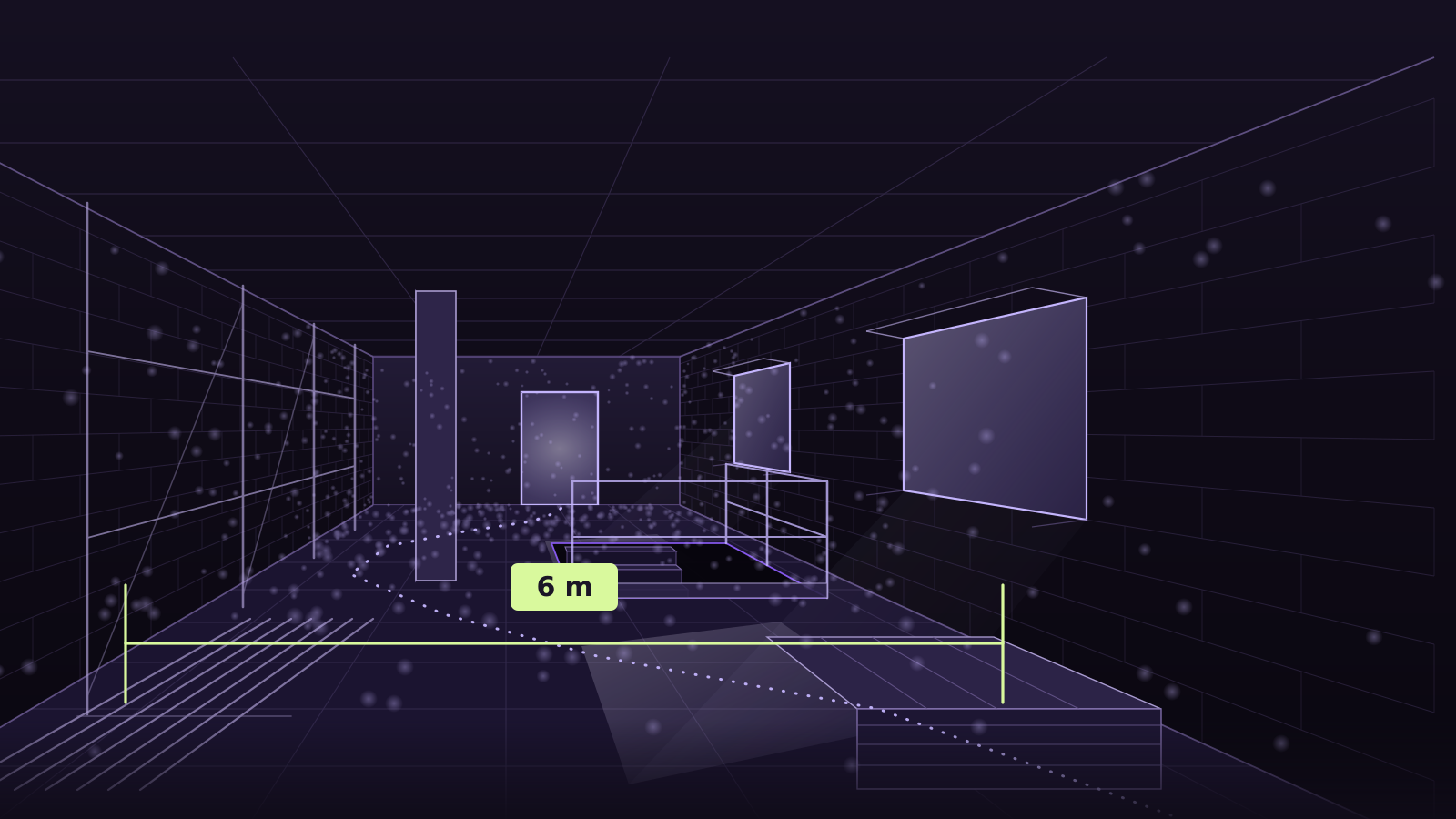
Walkthroughs and rooms, filmed with your phone — walkable, in metres.

You walk through once and film. Splatastic turns that into a walkable 3D model with a collision mesh, true to scale: one unit is one metre.

  • Checked before anything is computed
  • Delivered in metres
  • German and English, end to end
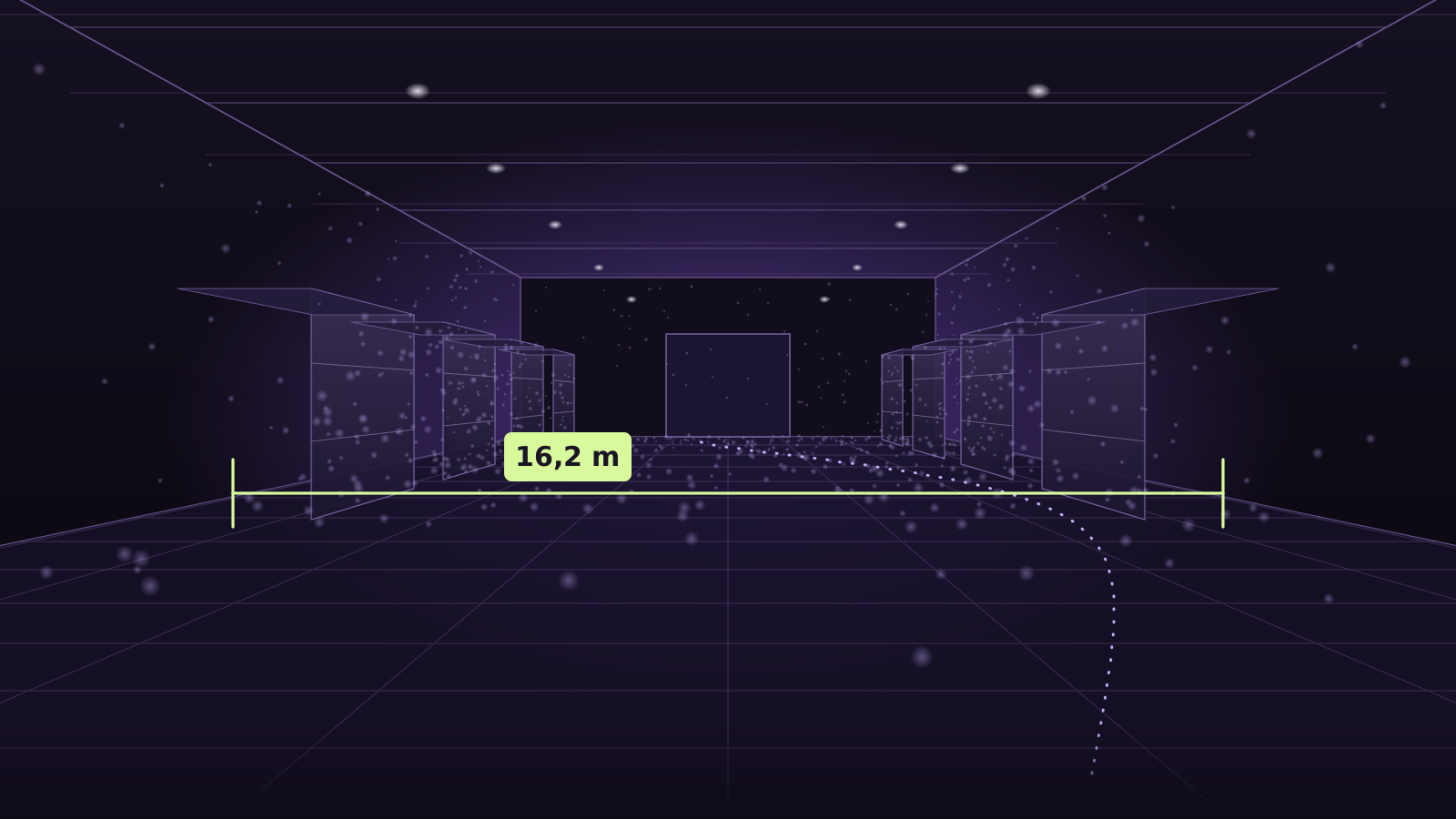
Drawing of a hall in one-point perspective: a floor grid, two rack rows, the filmed walk as a dotted line and a dimension line across the width of the hall.
A drawing, not a customer scene: this is where the dimension line will sit on the still. The 16.2 m is the width of the drawn hall, not a measurement from a run. The walkable example scene follows as soon as we may show one with consent.

What you get back

Not a link to a platform but files that fit into your own software. Every delivery carries its scale inside it: one unit is one metre, and the floor is down.

  • splat.plyThe walkable splatFor viewers, Unreal, Unity, SuperSplat.
  • collision.glbThe collision meshSo you walk in the model instead of through its walls — in the same frame as the splat.
  • meta.jsonScale and provenanceLevelled to the floor, the device, the quality tier and the metrics of the run.1 unit = 1 m
  • package.zipAll of it in one fileOne download when you do not need the parts separately.

Exactly what the delivery contract guarantees — no more. A package that breaks the contract is not delivered.

Read the delivery contract

How it runs

Four steps — and one of them is the step nobody else mentions: the capture is checked before anything is computed.

  1. Film

    Walk the room slowly and film with the ultra-wide lens, 0.5×. Use it wherever your phone has it: at 0.5× the camera path solved with a 1.47 px loop error, while the same walkthrough stayed unsolved at 1×. Large halls go section by section.

  2. Upload

    You upload the video in the browser. It goes to storage in parts, straight past us; if the connection drops it carries on where it stopped.

  3. Check

    Frames and camera path are checked before the GPU computes. If something does not look good we tell you first — and you decide whether it runs anyway.

  4. Deliver

    Download the splat, the collision mesh and the scale, share them by link, or fetch them through the API.

Read the capture guide

What it is built for

Spaces you want to measure, show or plan around without driving out there every time.

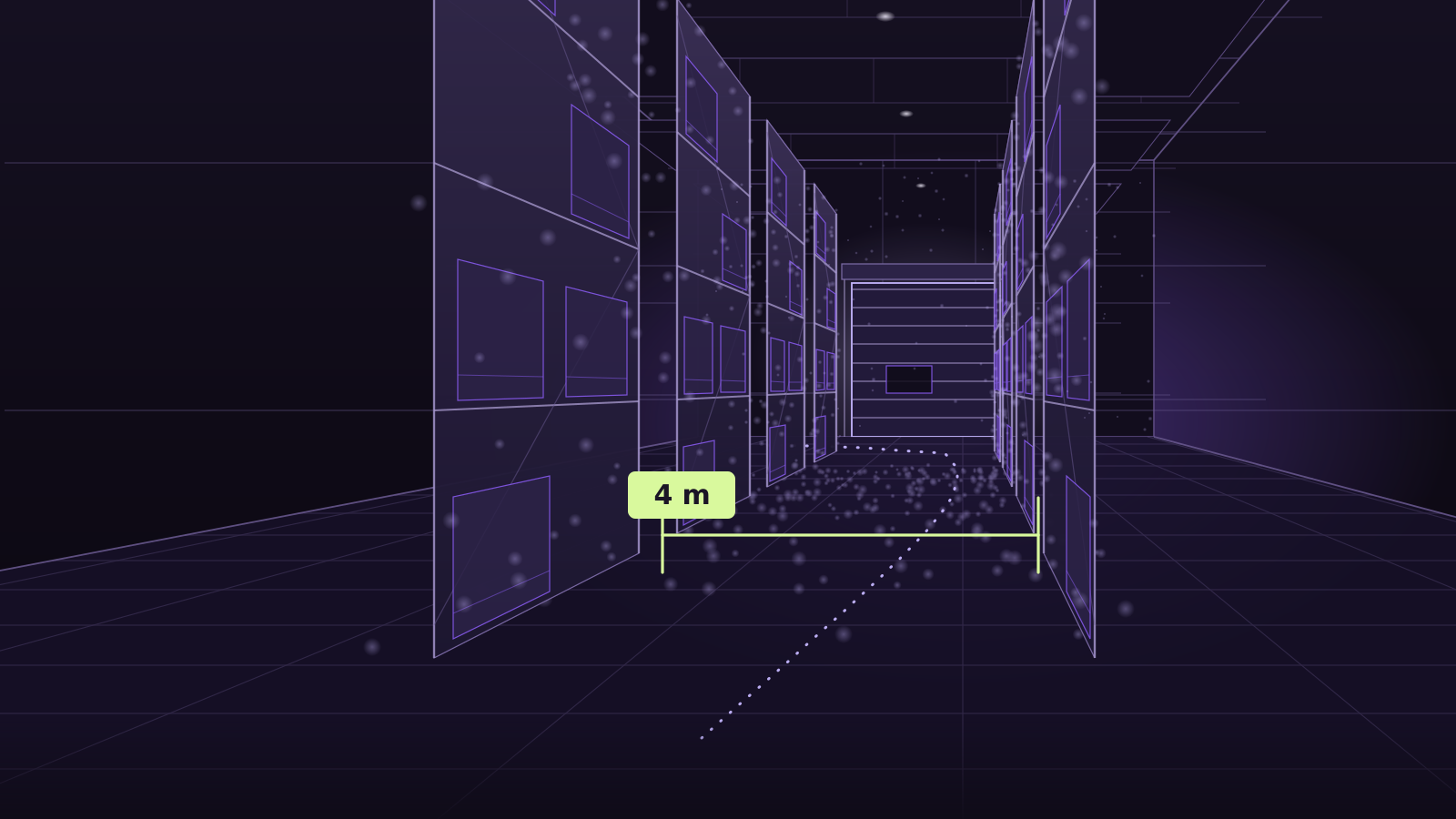
Warehouses and halls

Measure aisles and gates, plan a rebuild, show floor space to tenants or contractors.

Warehouses and halls
Construction sites

Keep one day on site as something you can walk — with dimensions instead of a pile of photos.

Construction sites
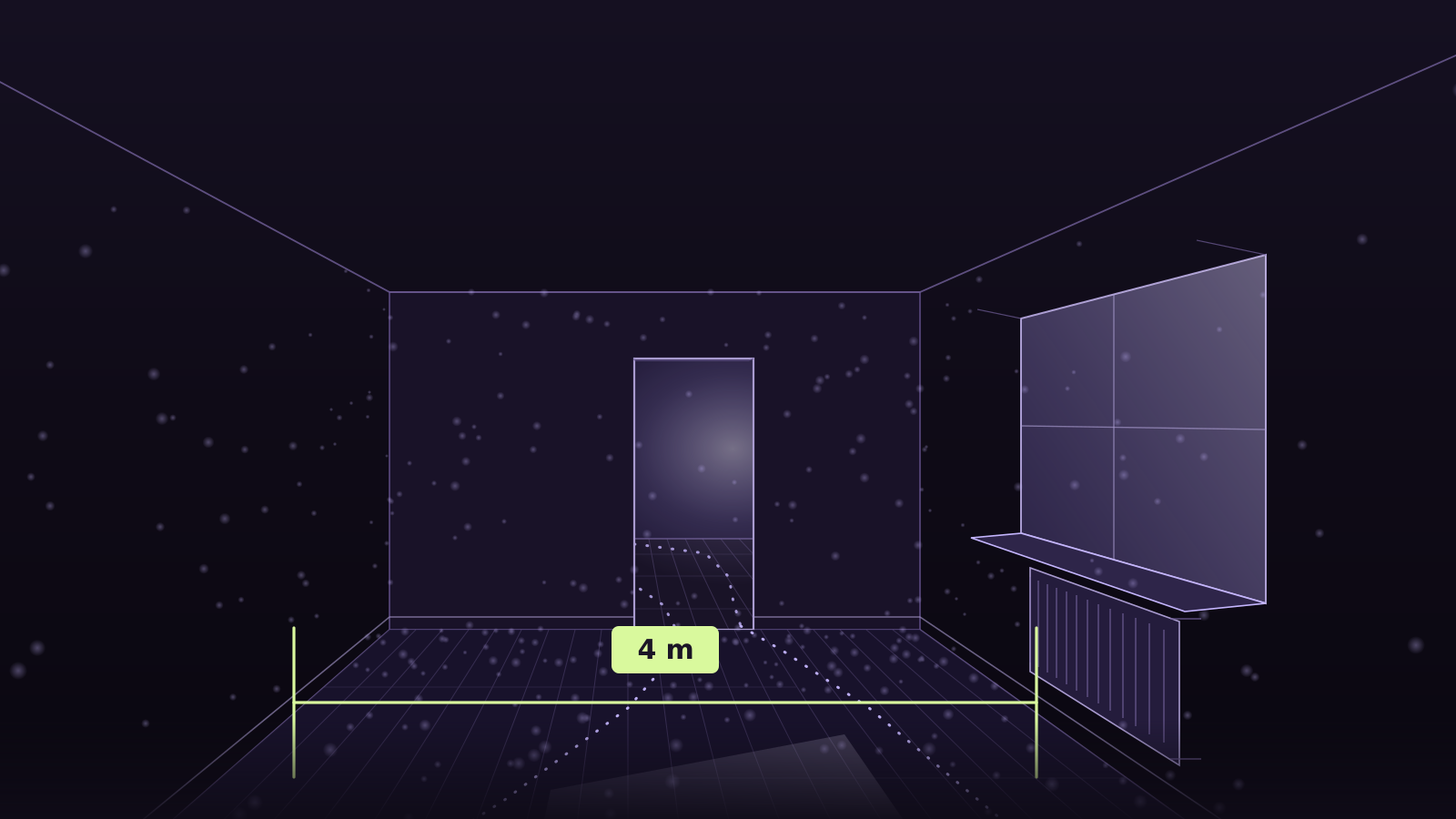
Real estate

Make flats and commercial space walkable, then share the link or embed it.

Real estate

For integrators

Your system creates the capture, uploads the video straight to storage and receives a signed webhook when the delivery is ready. With your own reference, and no interface in between.

Create a capture
curl -X POST https://splatastic.com/api/v1/captures \
  -H "Authorization: Bearer sk_…" -H "Content-Type: application/json" \
  -d '{ "filename": "rundgang.mp4", "sizeBytes": 214748364,
        "siteName": "Halle 12", "clientRef": "acme:asset-42" }'
Later, to your webhook
{
  "event": "capture.state",
  "capture": {
    "clientRef": "acme:asset-42",
    "state": "done",
    "hasResult": true
  }
}
Read the API page

Got a space you want to show as something people can walk?

Request access